
Opened 17 years ago
Closed 16 years ago
#363 closed defect (fixed)
Lists disappear if you attempt to drag them but return it back to itself and copies it
| Reported by: | rlittle | Owned by: | Pete Cyr |
|---|---|---|---|
| Priority: | major | Milestone: | Release Candidate 1 |
| Component: | Curator Tool | Version: | 1.0.3715.38967 |
| Severity: | Keywords: | drag drop lists | |
| Cc: | Database Engine: | SQL Server | |
| Operating System: | Vista Home Premium 32 bit |
Description
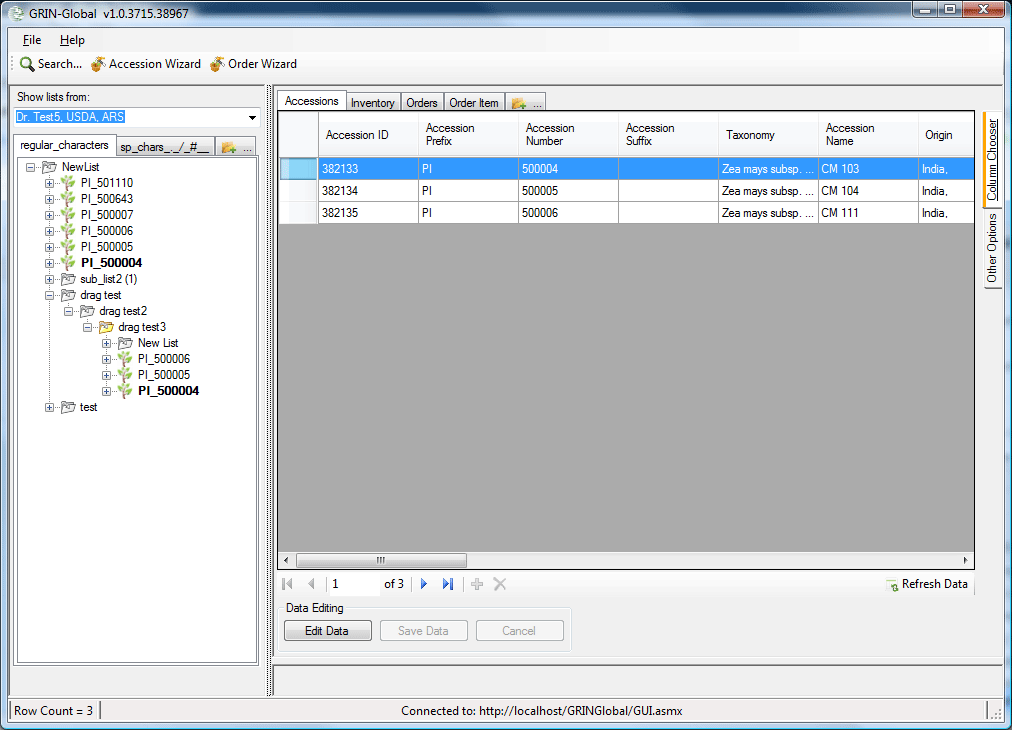
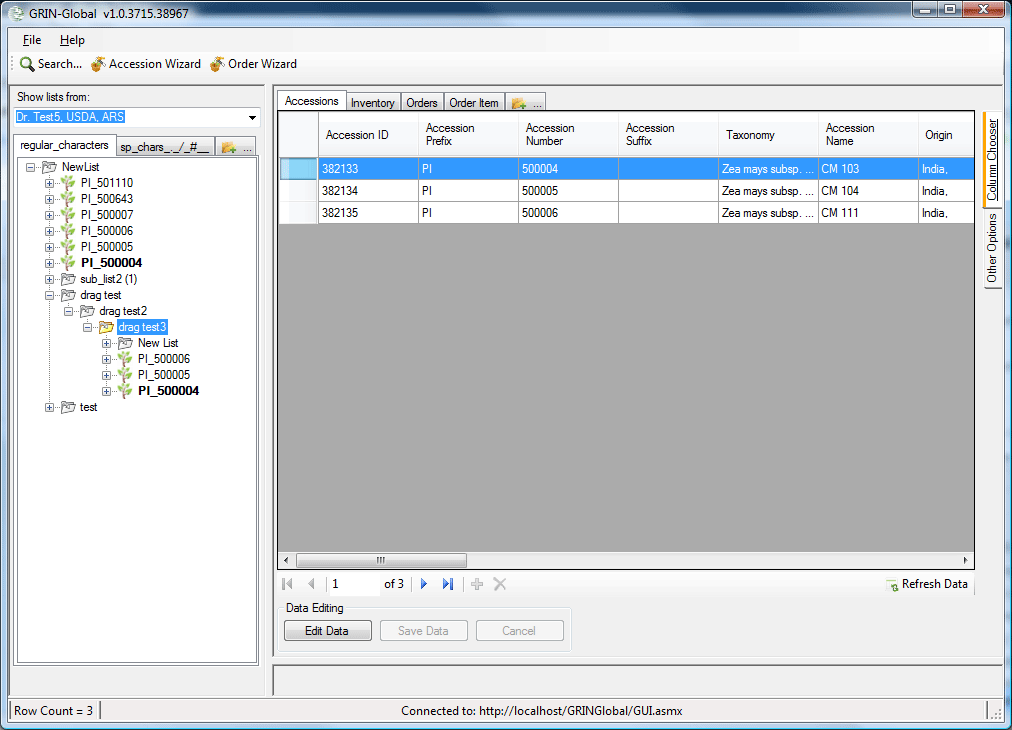
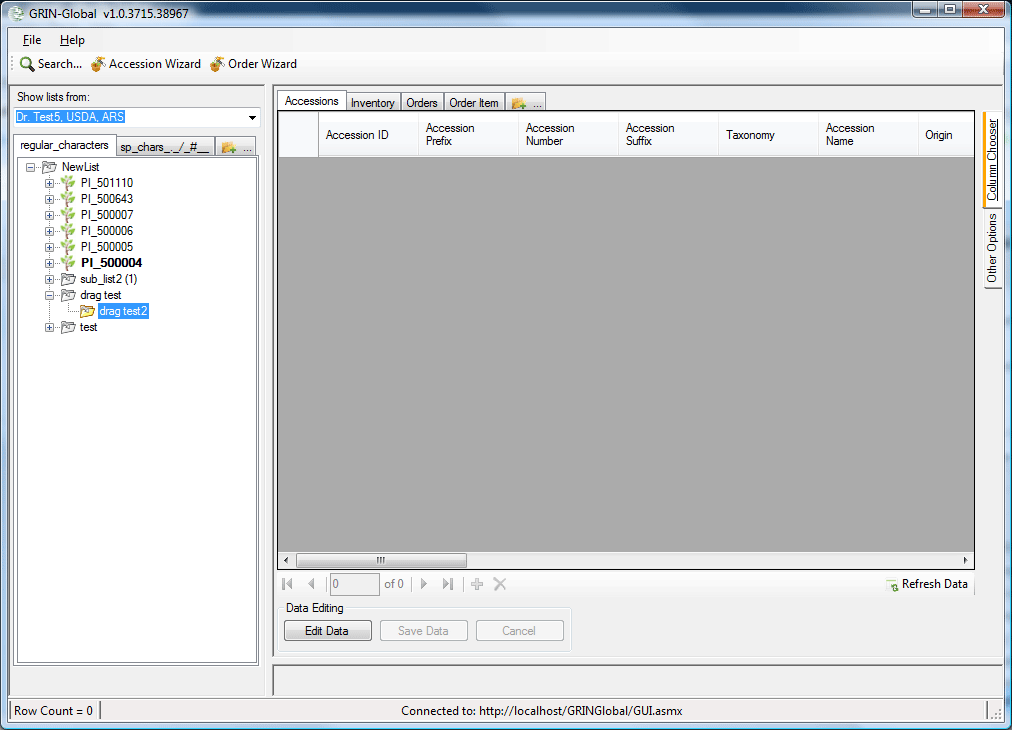
If you drag and drop a list back onto itself, it appears to be deleted from the listview. But if you close the CT and reopen it, it is still there and has a copy of itself within itself, and other items that existed are not in the original instance. (see screenshots attached)
Attachments (4)
Change History (8)
by , 17 years ago
| Attachment: | CT-dragdrop-OrigState.gif added |
|---|
by , 17 years ago
| Attachment: | CT-dragdrop-choosefolder.gif added |
|---|
Folder I will attempt to drag....then change my mind and drop it back on itself
by , 17 years ago
| Attachment: | CT-dragdrop-stateoffoldersafterclosingCT.gif added |
|---|
If I close the CT and reopen, it shows that the folder is still there and now a copy of itself exists w/in itself
comment:1 by , 16 years ago
| Status: | new → addressed |
|---|
comment:2 by , 16 years ago
| Status: | addressed → released |
|---|
comment:3 by , 16 years ago
| Status: | released → verified |
|---|
comment:4 by , 16 years ago
| Resolution: | → fixed |
|---|---|
| Status: | verified → closed |
I think this is still fixed in v1.0.3870.18136. I could not get it to happen.
Note:
See TracTickets
for help on using tickets.






Original State of the CT